


Content Library
Tiger Graphic Creator Tutorials
ClearTutorials on the graphic creator for directors and coaches
8 items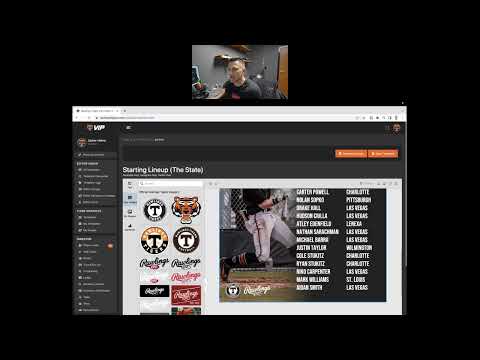 VIP
VIP
Save 30 minutes! Make Your Templates Faster With This Quick Tip
I've been saving templates like crazy, thinking it was the best way. It's not...I was making the national team rosters f...
VIP
Save 30 minutes! Make Your Templates Faster With This Quick Tip
I've been saving templates like crazy, thinking it was the best way. It's not...I was making the national team rosters f...
VIP
Save 30 minutes! Make Your Templates Faster With This Quick Tip
I've been saving templates like crazy, thinking it was the best way. It's not...I was making the national team rosters f...
 VIP
VIP
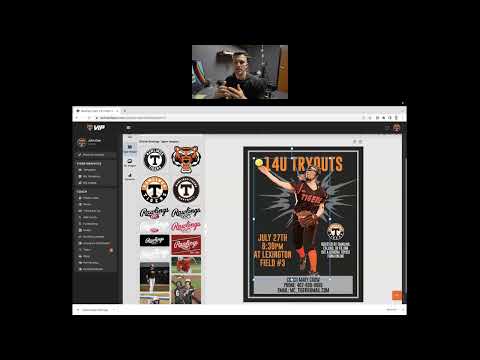
Tryout Registrations Online! Here's How
Do you want to take your tryout registration online? Here's how you can get your tryouts posted on the website. I also t...
VIP
Tryout Registrations Online! Here's How
Do you want to take your tryout registration online? Here's how you can get your tryouts posted on the website. I also t...
 VIP
VIP
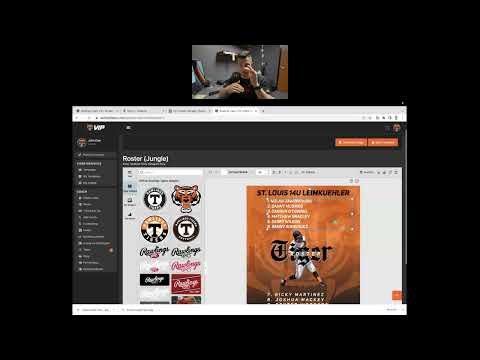
Font Effects, How Do You Use Them?
Get creative on your graphics by using the font editor in the graphic tool creator. Be able to change the size and spaci...
VIP
Font Effects, How Do You Use Them?
Get creative on your graphics by using the font editor in the graphic tool creator. Be able to change the size and spaci...
 VIP
VIP
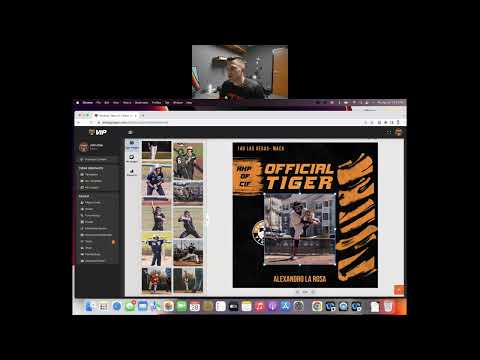
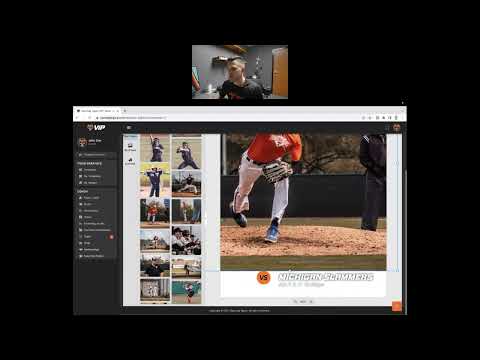
How To Crop a Photo
How to do it: 1. Select your image 2. Double click the image when it's on the canvas. 3. Make your adjustments to fit th...
VIP
How To Crop a Photo
How to do it: 1. Select your image 2. Double click the image when it's on the canvas. 3. Make your adjustments to fit th...
 VIP
VIP
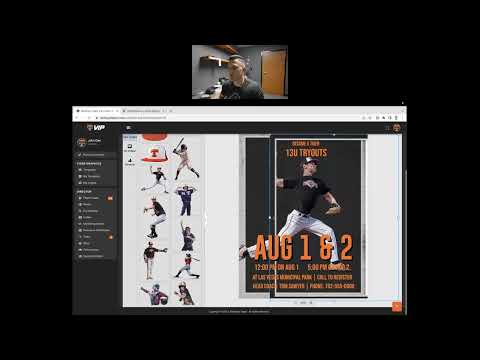
How To Create A Group of Text Fast! (Duplicate Elements)
Before we start selecting items we need to understand how the positioning tool works. It's just like a hamburger: 1. Top...
VIP
How To Create A Group of Text Fast! (Duplicate Elements)
Before we start selecting items we need to understand how the positioning tool works. It's just like a hamburger: 1. Top...
 VIP
VIP
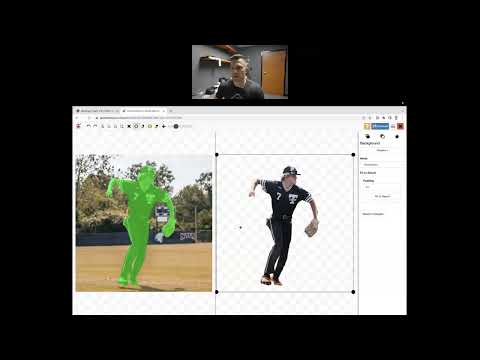
How To Add Your Own Images
Background Removers for Your Photos 1. Apowersoft Background EraserThis app helps to remove the image background automat...
VIP
How To Add Your Own Images
Background Removers for Your Photos 1. Apowersoft Background EraserThis app helps to remove the image background automat...
 VIP
VIP
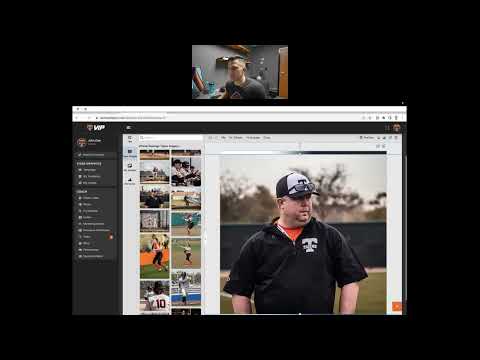
How To Use The Positioning Tool (managing graphic layers)
Graphic layers are built like a hamburger. 1. bottom bun 2. patty 3. cheese 4. ketchup and mustard 5. lettuce6. tomato 7...
VIP
How To Use The Positioning Tool (managing graphic layers)
Graphic layers are built like a hamburger. 1. bottom bun 2. patty 3. cheese 4. ketchup and mustard 5. lettuce6. tomato 7...
 VIP
VIP
How To Save and Access Your Saved Graphics (My Templates)
1. Select the graphic you want to edit 2. Make your edits 3. Click "Save Template"4. Access the graphic under "My Templa...
VIP
How To Save and Access Your Saved Graphics (My Templates)
1. Select the graphic you want to edit 2. Make your edits 3. Click "Save Template"4. Access the graphic under "My Templa...